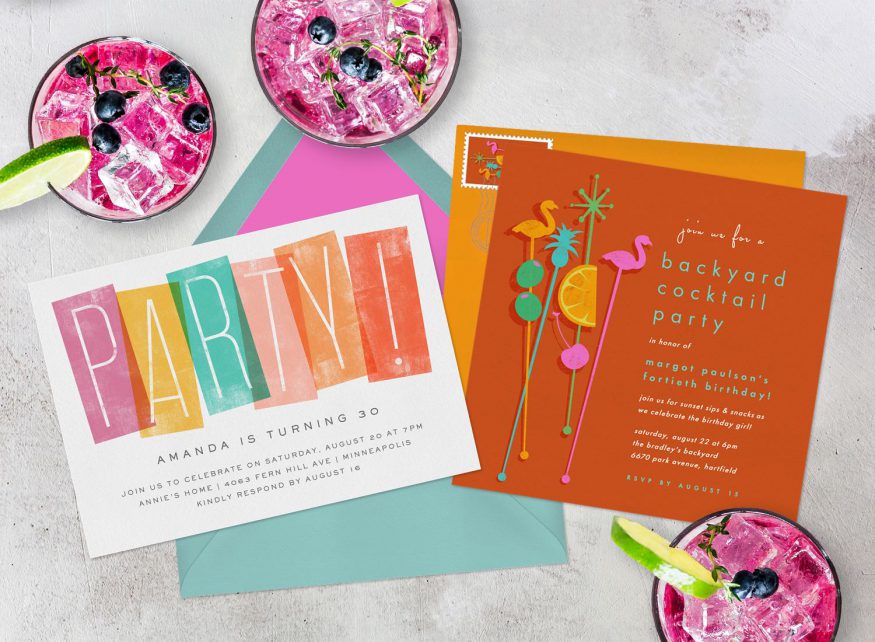
The Ultimate Birthday Announcement Template Guide: Celebrate in Style!
Planning a birthday party or celebrating a loved one’s special day takes effort, but spread the word shouldn’t feel like a chore. Whether you are throwing a milestone bash, a whimsical toddler party, or a surprise gathering, having the right birthday announcement template makes all the difference.
A well-crafted birthday announcement captures attention, sets the event’s tone, and ensures your guests save the date. Below is your complete guide to crafting captivating announcements, complete with ready-to-use templates for every platform and occasion.
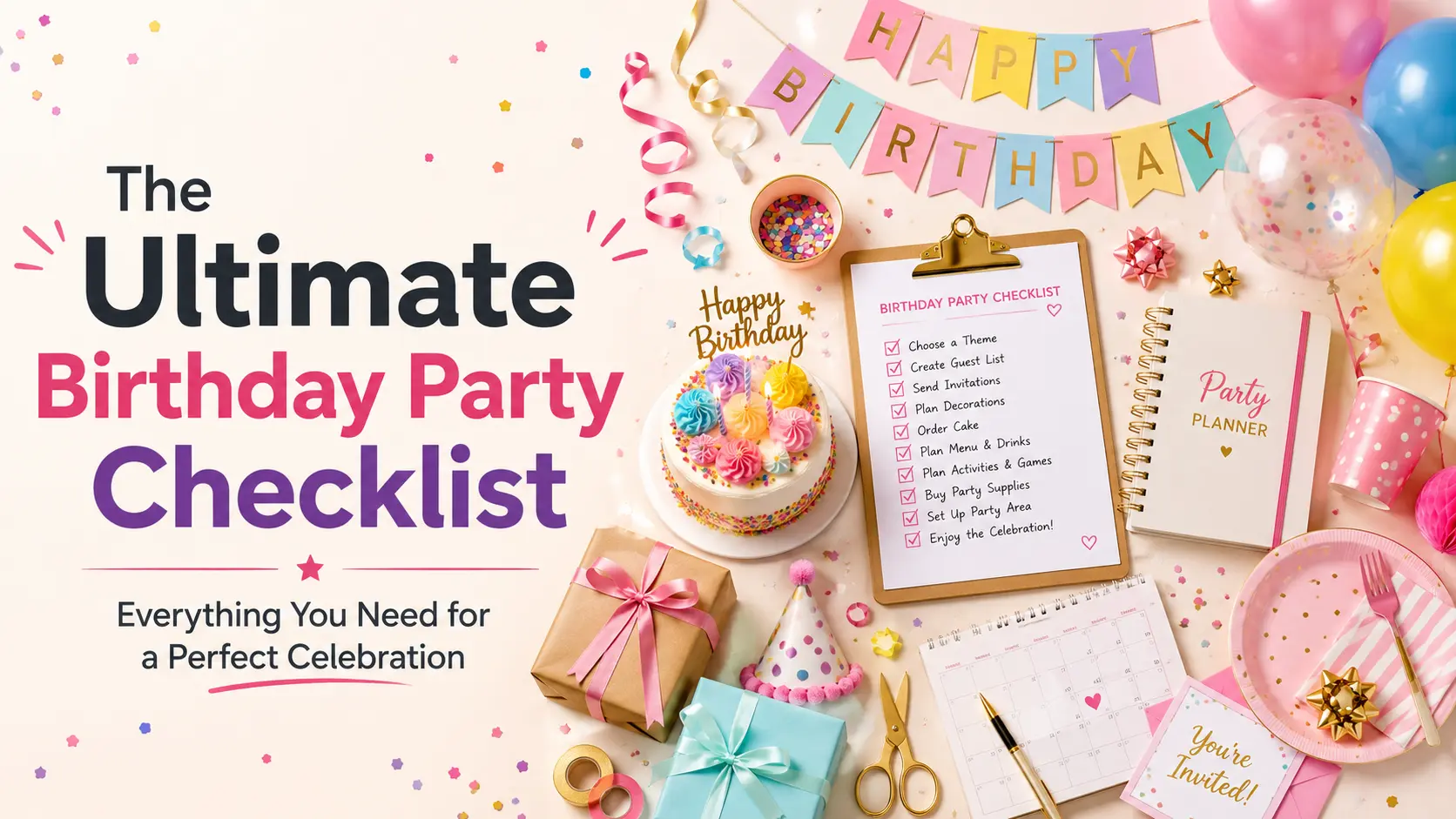
Why a Great Birthday Announcement Template Matters
First impressions count. Your birthday announcement is the very first glance guests get into your celebration. Using a structured template helps you:
-
Save Time: Skip the stress of starting from scratch.
-
Maintain Consistency: Keep messaging aligned across text messages, printed cards, and social media.
-
Include Crucial Details: Avoid forgetting essential information like RSVP deadlines, dress codes, or gift preferences.
Essential Elements Every Birthday Announcement Needs
Before picking a template, ensure your draft contains these key details:
-
The Guest of Honor: Who is turning a year older?
-
The Milestone or Age: Optional, but great for major birthdays ($1^{\text{st}}$, $18^{\text{th}}$, $21^{\text{st}}$, $30^{\text{th}}$, $50^{\text{th}}$).
-
Date and Time: Be clear—include the day of the week.
-
Location/Venue: Physical address or virtual link (e.g., Zoom).
-
RSVP Information: Contact name, phone number or email, and a deadline.
-
Special Instructions: Themes, surprise warnings, dress codes, or gift/no-gift preferences.
Ready-To-Use Birthday Announcement Templates
1. Fun & Casual Social Media Post Template
Best for: Instagram, Facebook, or casual group chats.
Headline: Another year older, wiser, and ready to party!
Help us celebrate [Name]’s **[Age]**th birthday! We are getting together for a night of great food, music, and even better company.
Date: [Date]
Time: [Time]
Location: [Venue Name / Address]
Theme/Dress Code: [Casual / Smart Casual / Retro]
Drop a comment or send a DM to let us know if you can make it by [RSVP Date]. Can’t wait to see you all there!
2. Elegant & Formal Party Template
Best for: Milestone celebrations, dinner parties, or formal invitations.
Headline: You are cordially invited to celebrate a milestone.
Please join us in honoring [Name] as they celebrate their **[Age]**th birthday! An evening of fine dining, drinks, and celebration awaits.
Date: [Day of Week, Date]
Time: [Start Time] PM
Venue: [Venue Name], [Address]
Attire: [Formal / Semi-Formal]
Kindly RSVP to [Contact Person] at [Phone/Email] by [RSVP Date]. Your presence is the greatest gift!

3. The Surprise Party Announcement Template
Best for: Secret gatherings where keeping it hush-hush is critical.
Headline: SHHH… IT’S A SURPRISE!
We are throwing a secret party for [Name]’s **[Age]**th birthday, and you are on the VIP guest list!
When: [Date] at [Time] (Please arrive by [Early Arrival Time]—the birthday boy/girl arrives at [Arrival Time]!)
Where: [Location]
Mission: Keep this top secret!
Confirm your secret agent status by replying to [Contact Name] at [Phone Number] by [RSVP Date]. Remember: Mum’s the word!
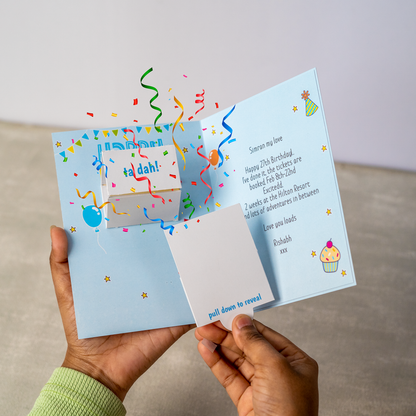
4. Quick SMS / WhatsApp Text Message Template
Best for: Instant messaging, last-minute invites, or quick headcounts.
Hey everyone! [Name] is turning [Age]! Join us for drinks and food on [Date] at [Time] at [Location]. Let me know if you can make it by [RSVP Date] so I can reserve space. Hope to see you there!
Tips for Customizing Your Templates
-
Match the Vibe: Use playful emojis for casual parties, or stick to classic typography and neutral imagery for formal events.
-
Double-Check Details: Always review the venue address, time, and RSVP contact details twice before sending.
-
Send at the Right Time: Aim to send announcements 3 to 4 weeks in advance for standard parties, or 6 weeks early for milestone celebrations and summer events.
Which template best fits your upcoming celebration? Customize the details, send out your announcements, and get ready to celebrate!